Introduction
If you're an Ubiquiti USW-Pro Aggregation Switch owner, you may have noticed that the fan noise can be quite loud and disruptive. Fortunately,
there is a way to silence the fan without compromising the performance of the switch. In this guide, we'll walk you through the steps to reduce the fan noise and make your switch run more quietly.
A bigger switch
Specs are listed here:
https://store.ui.com/collections/unifi-network-switching/products/unifi-switch-aggregation-pro
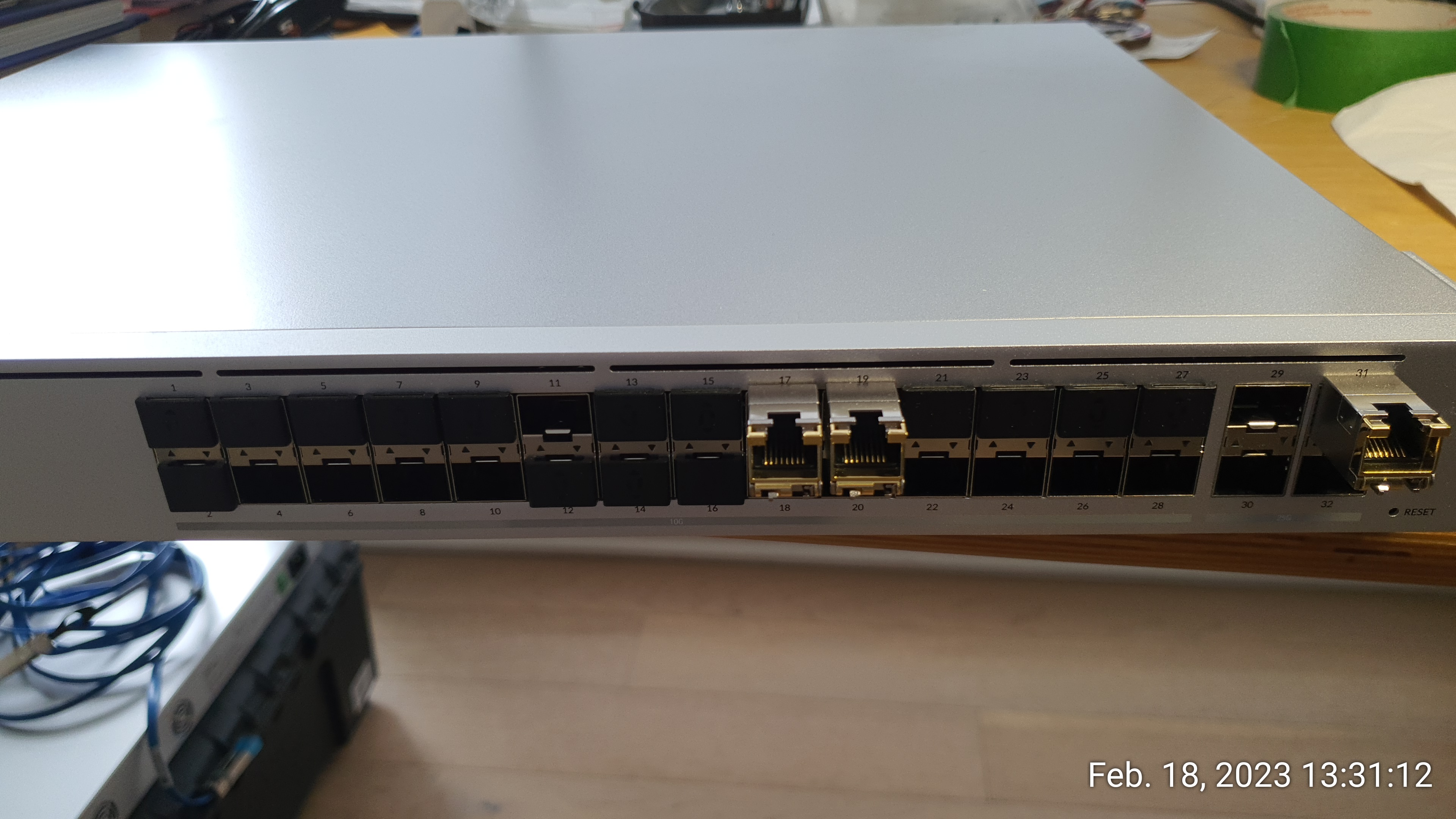
Once rolled out into production, it proved to be a decently silent unit by default.
This switch comes with 4 x 40x40x20mm fans and by default the fans spin around 3.5k-4k rpm (here the env show on a cold switch):
us32-0v2-US.6.4.18# swctrl env show
General Temperature (C): 34
Temp Sensor      Temp (C)     State            Max Temp (C)  Alert Temp (C)
===============  ===========  ===============  ============  ==============
TEMP-1           30           Normal           30            80
TEMP-2           29           Normal           29            80
TEMP-3           27           Normal           27            80
TEMP-4           34           Normal           34            80
MAC-1 (Local)    50           Normal           50            100
Fan Duty Level: 36
Fan              Speed       Duty level  State
===============  ==========  ==========  ===============
FAN-1            3468        36          Operational
FAN-2            3426        36          Operational
FAN-3            3490        36          Operational
FAN-4            3468        36          Operational
The switch is in a mini-rack less than 3ft from my desk and unfortunately I could still hear it over my Dell Poweredge Towers.
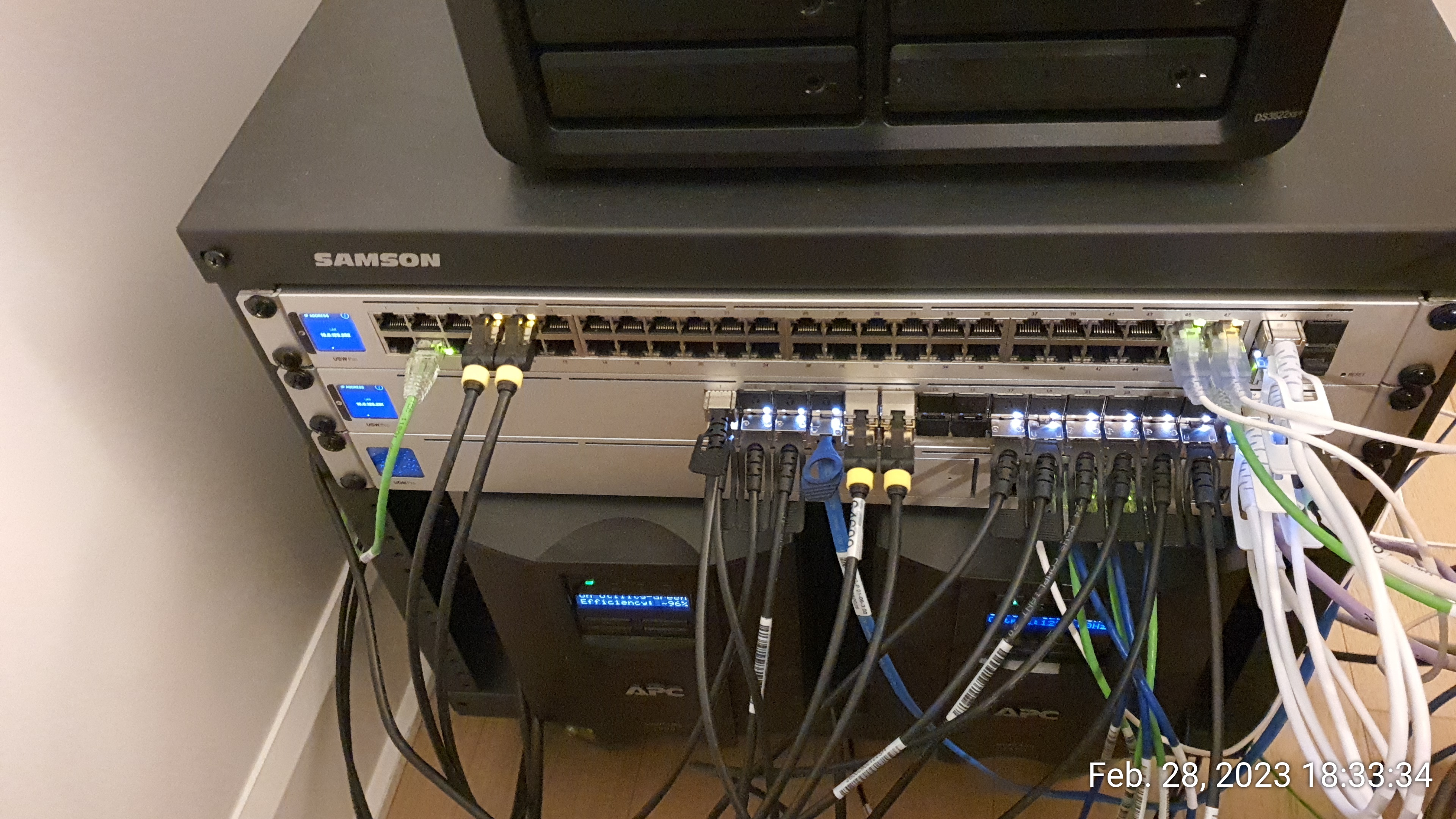
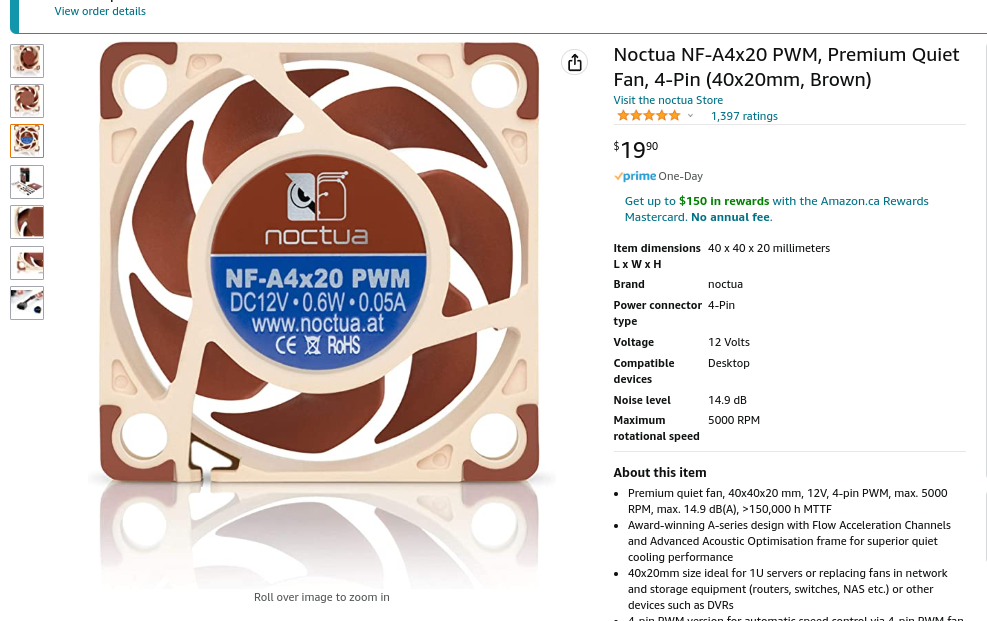
It turned out to be fairly easy to convert to Noctuas .
All that this mod needs is 4 x Noctua NF-A4x20 PWM fans commonly found on amazon:
Opening the switch is fairly easy (remove all screws surrounding the top cover, including the one hidden underneath a Ubiquiti sticker).
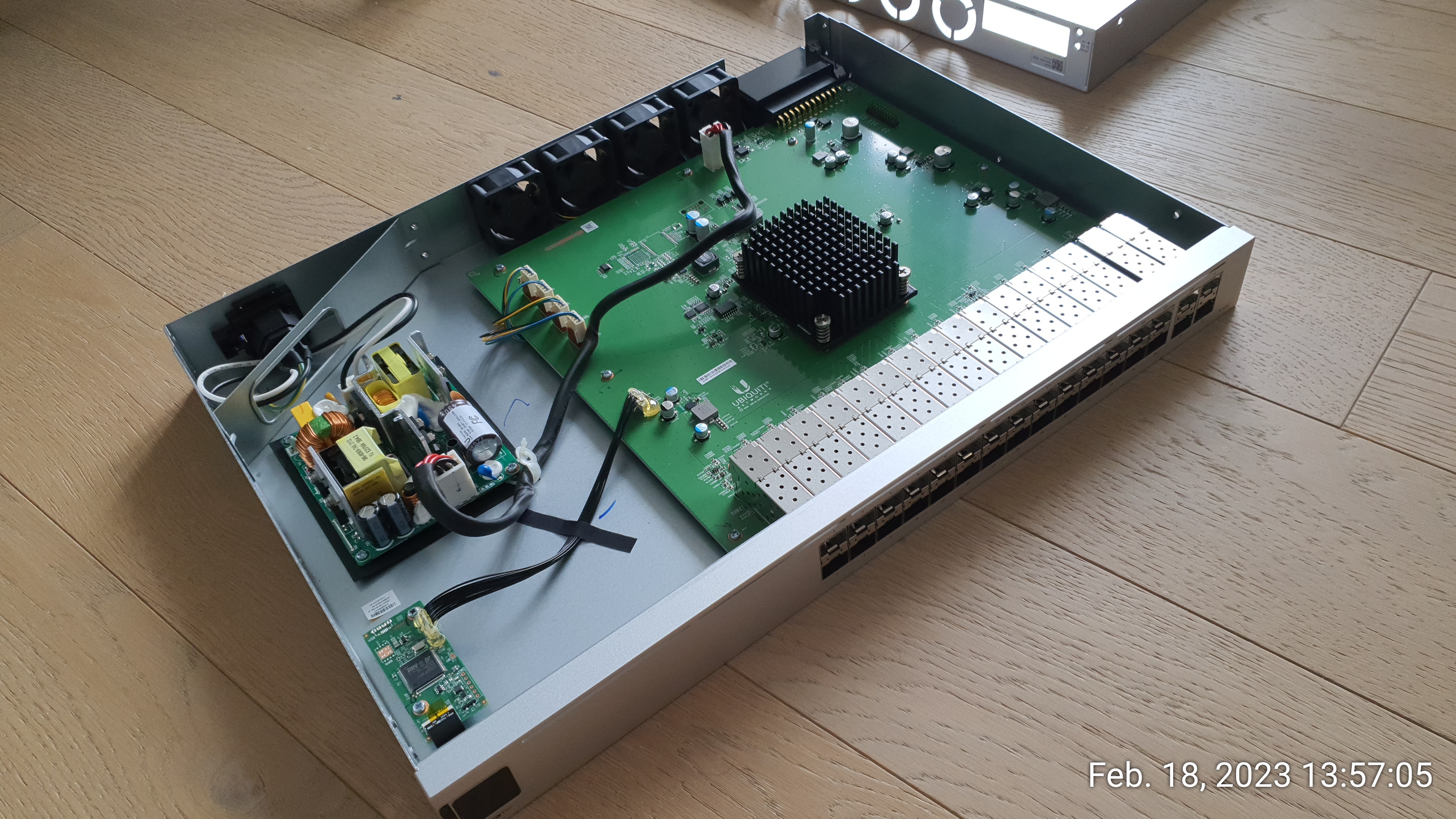
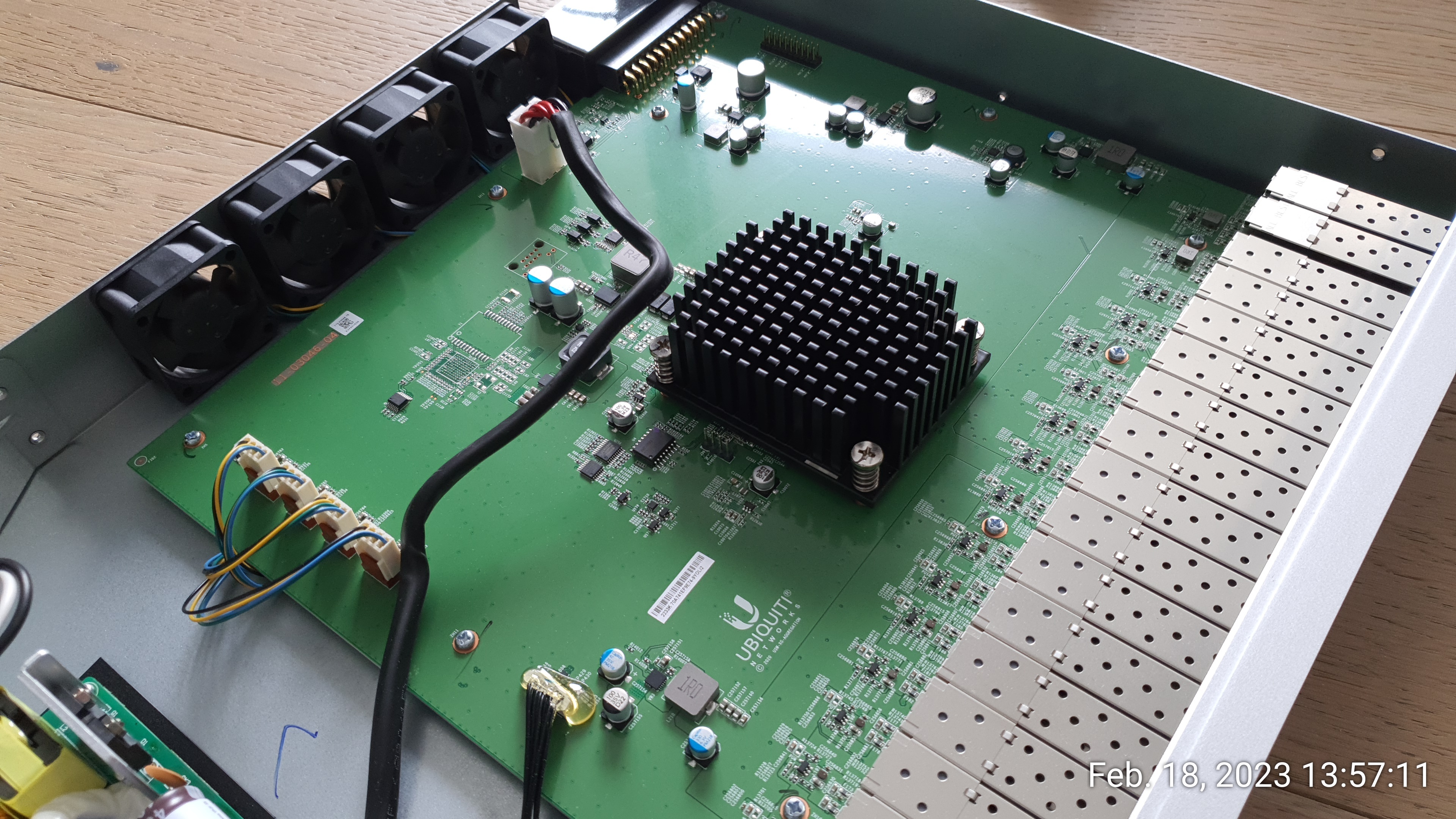
The PWM cables go underneath the main board, around the board nuts and are held in place by some tape underneath the motherboard.
A friend of mine removed the board in order to get access to the wires.
I did not do this (Yes, Ken, I'm looking at you!) and instead went with the removal of the mainboard screws around that corner aso I could gently pull the cables.
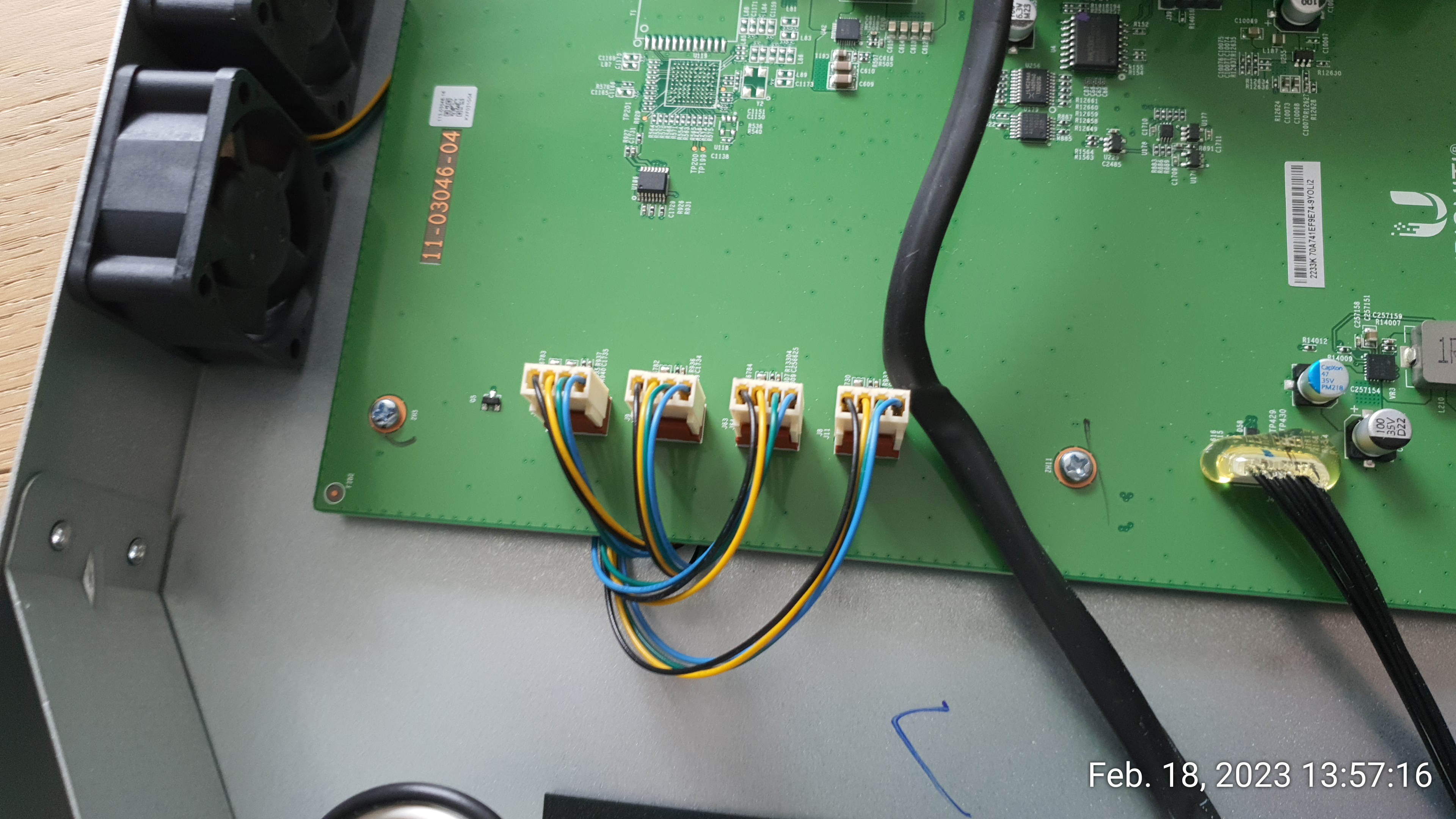
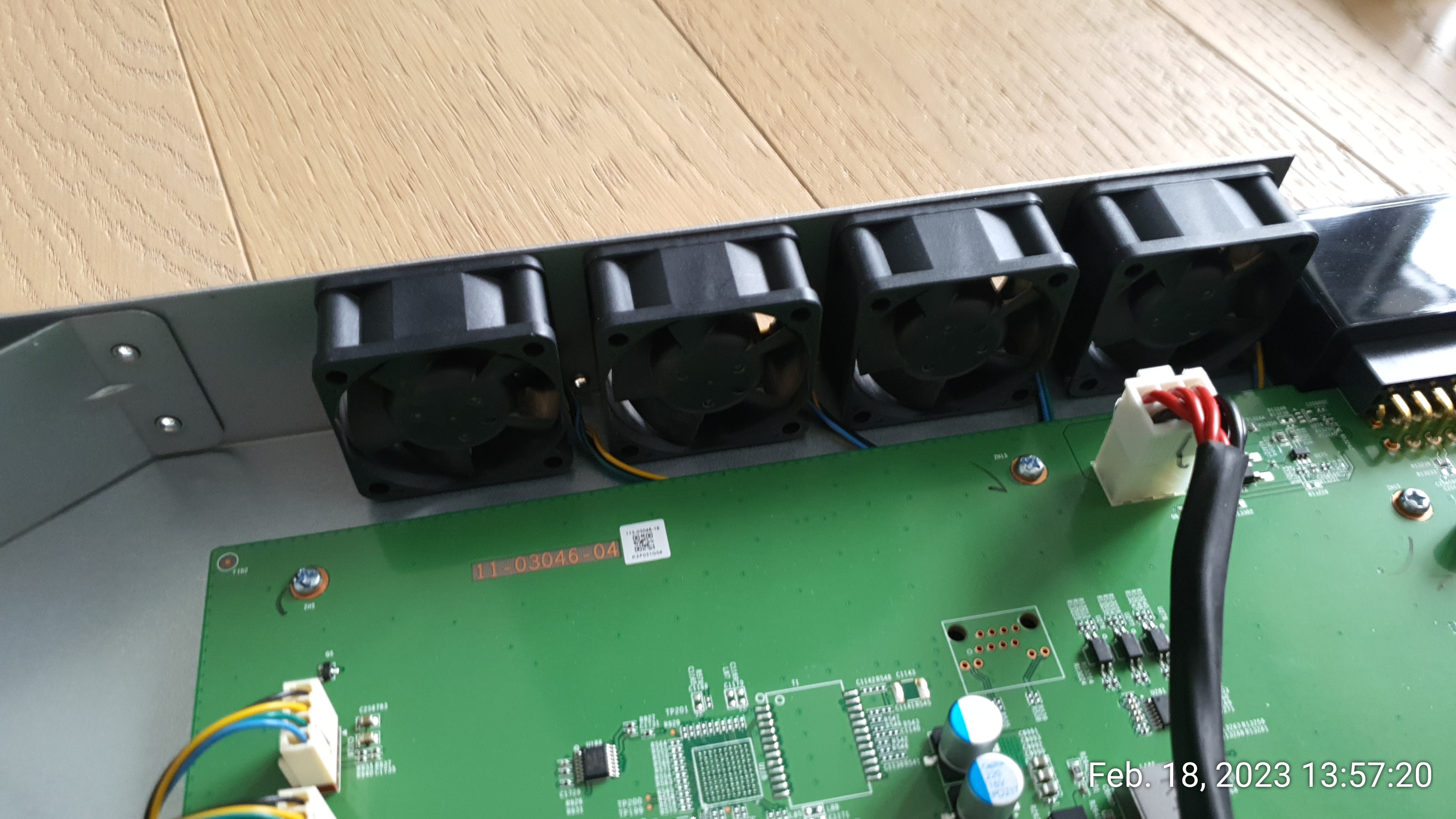
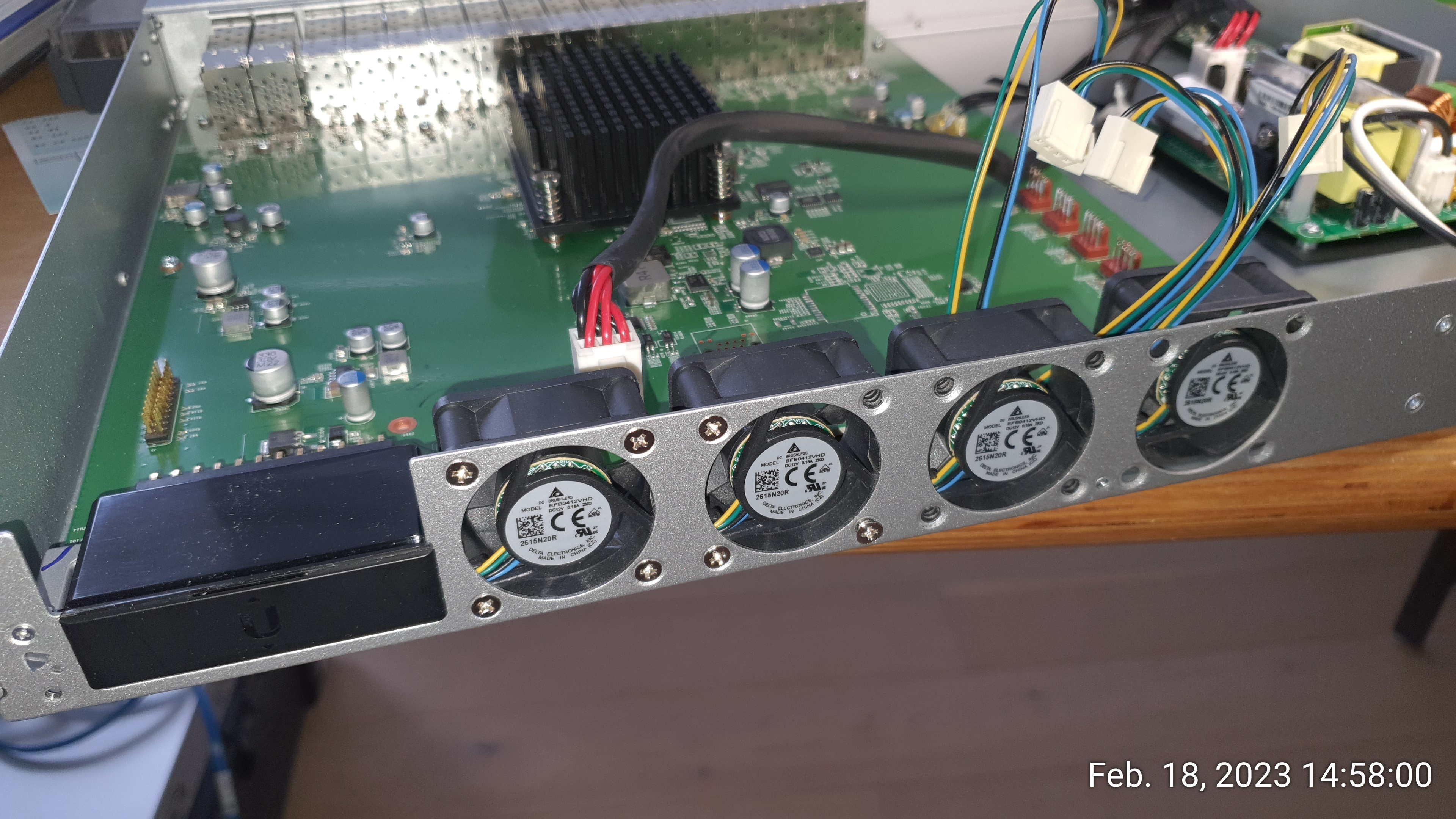
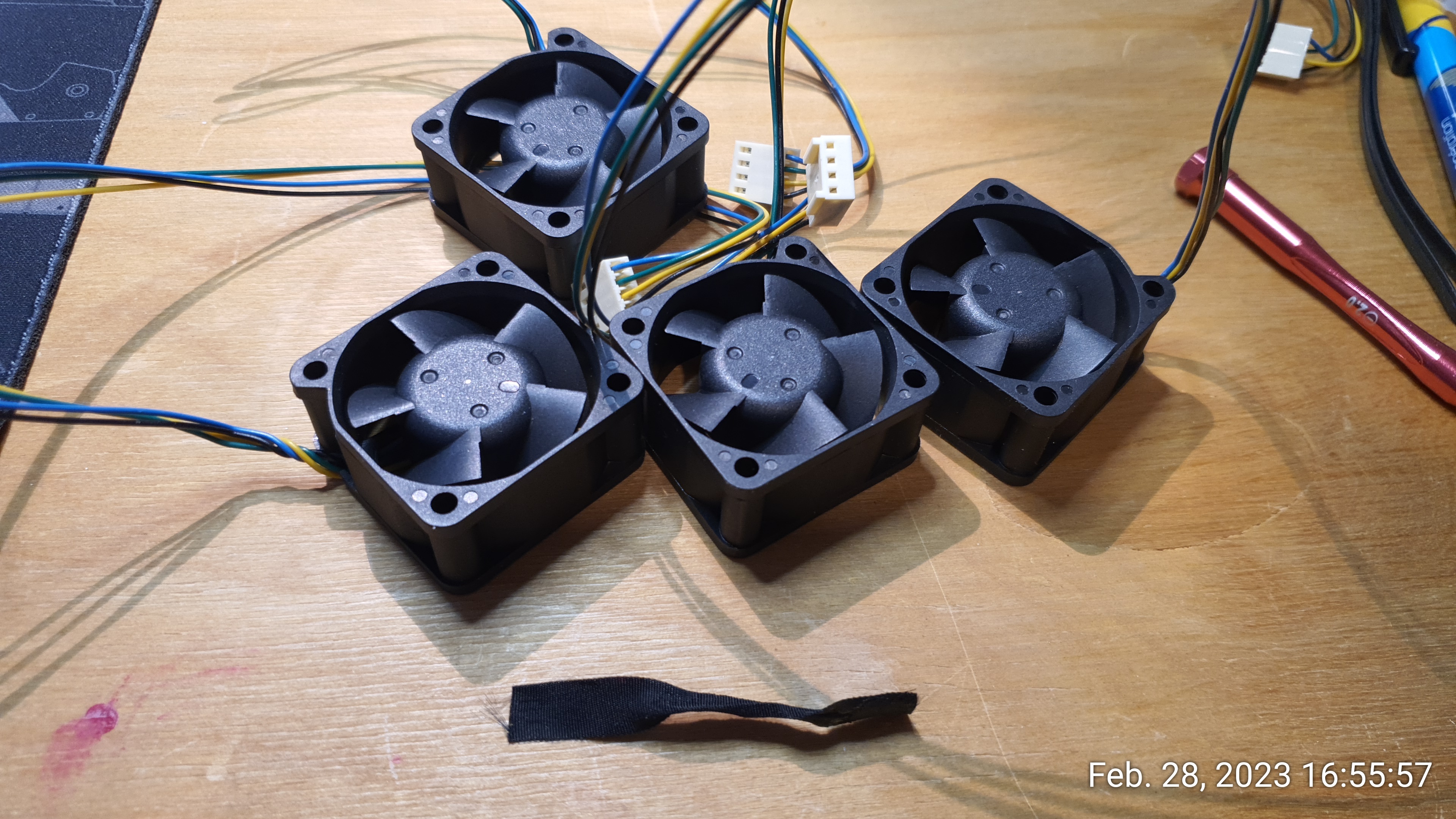
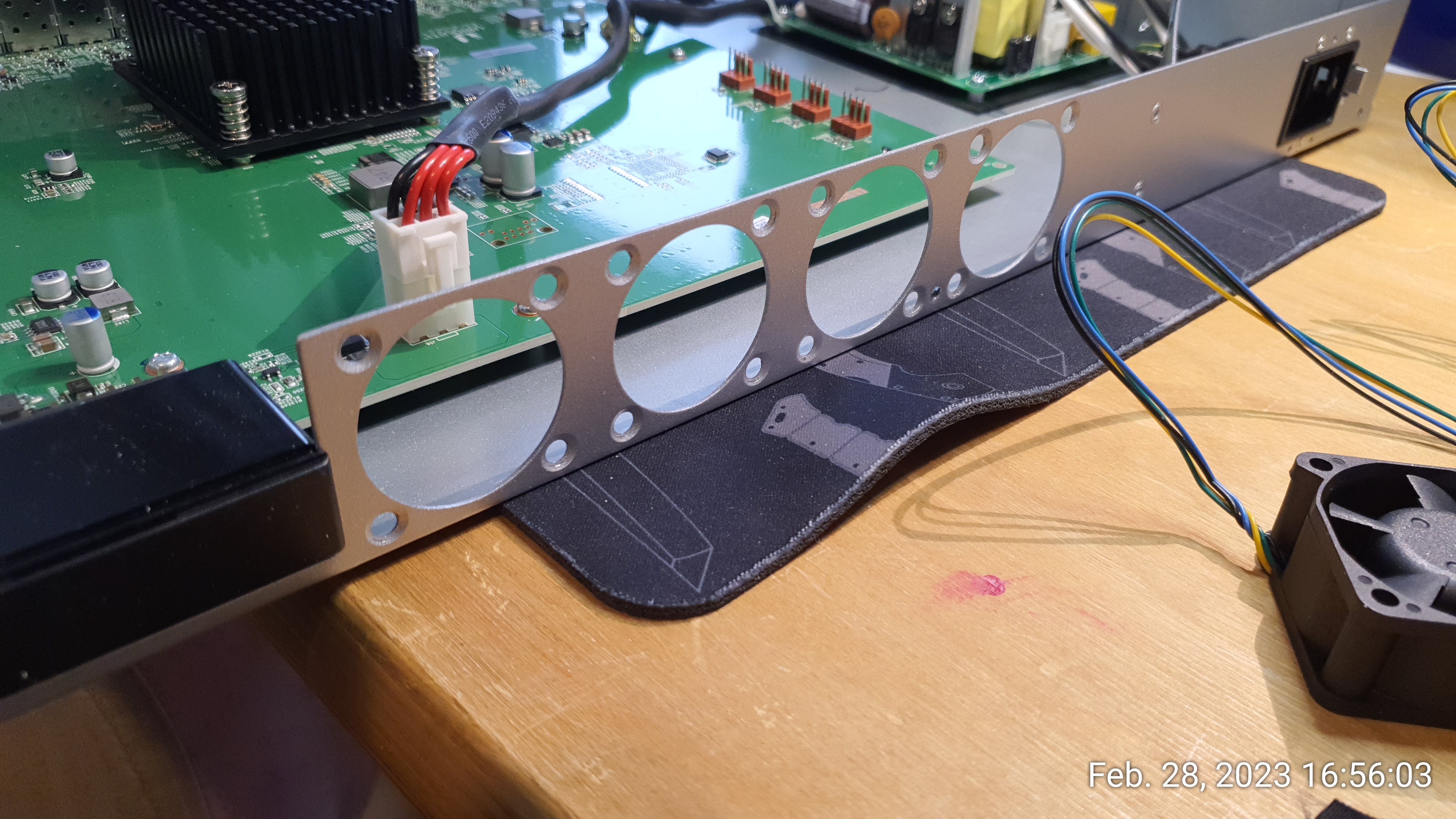
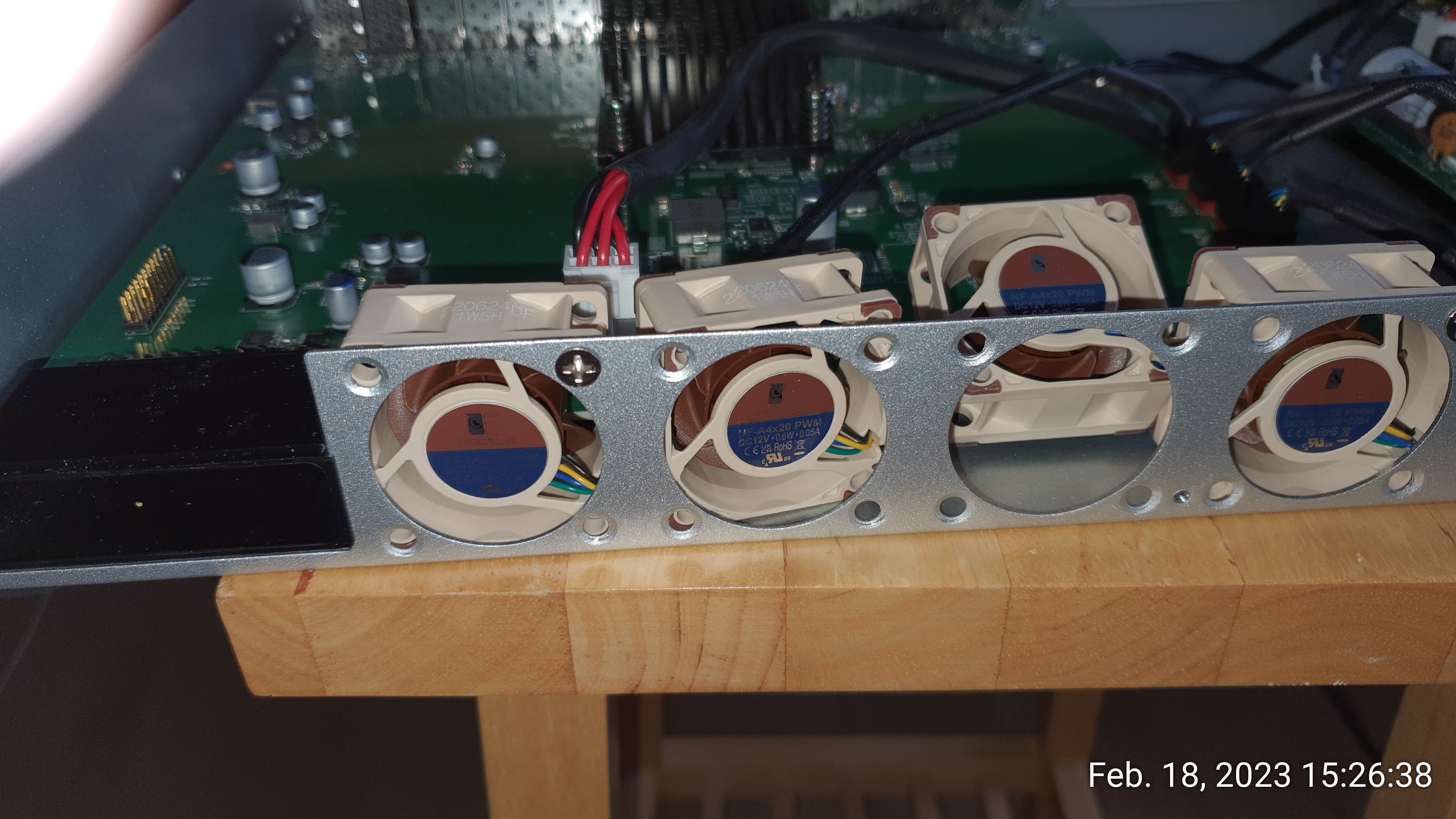
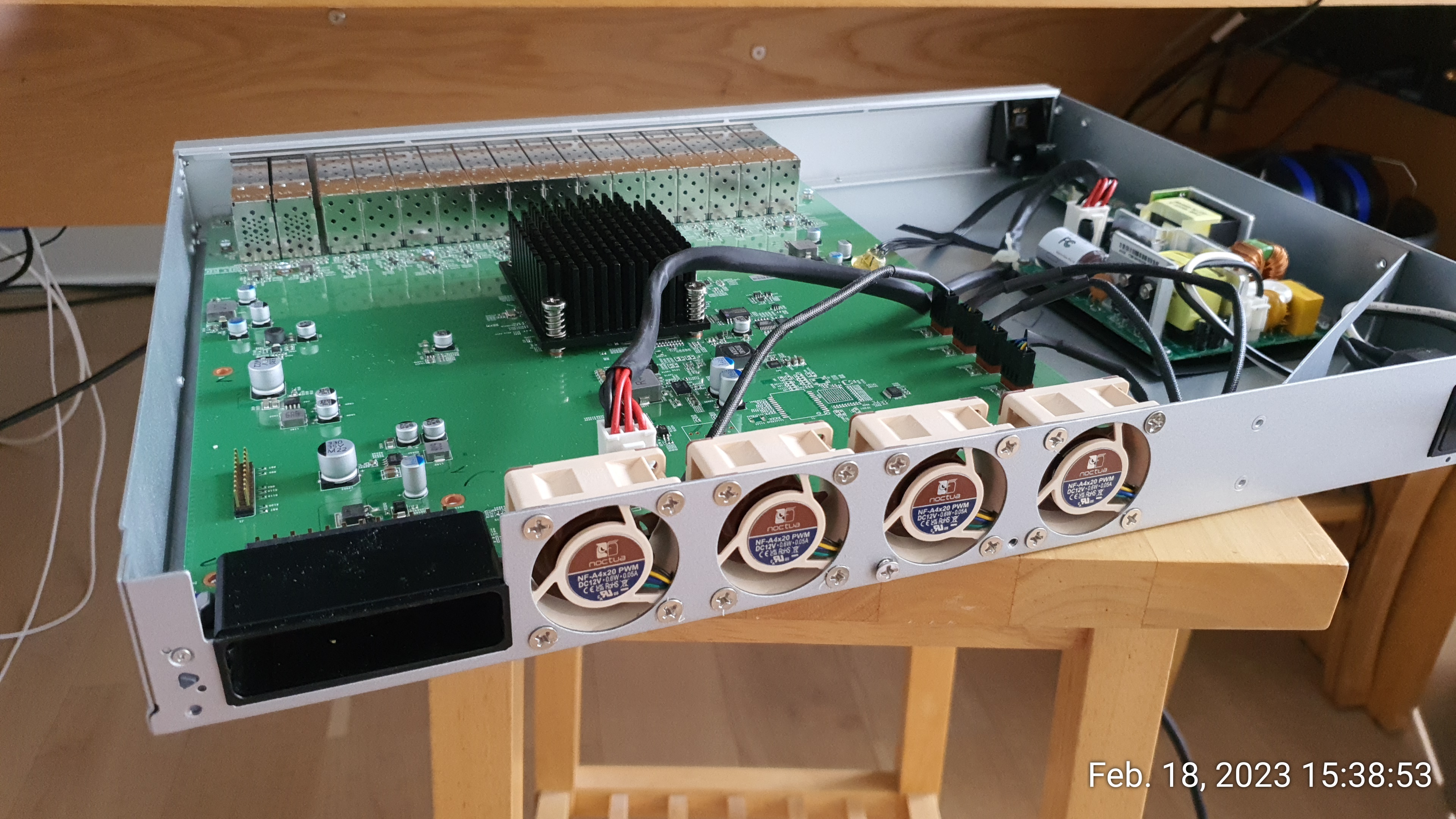
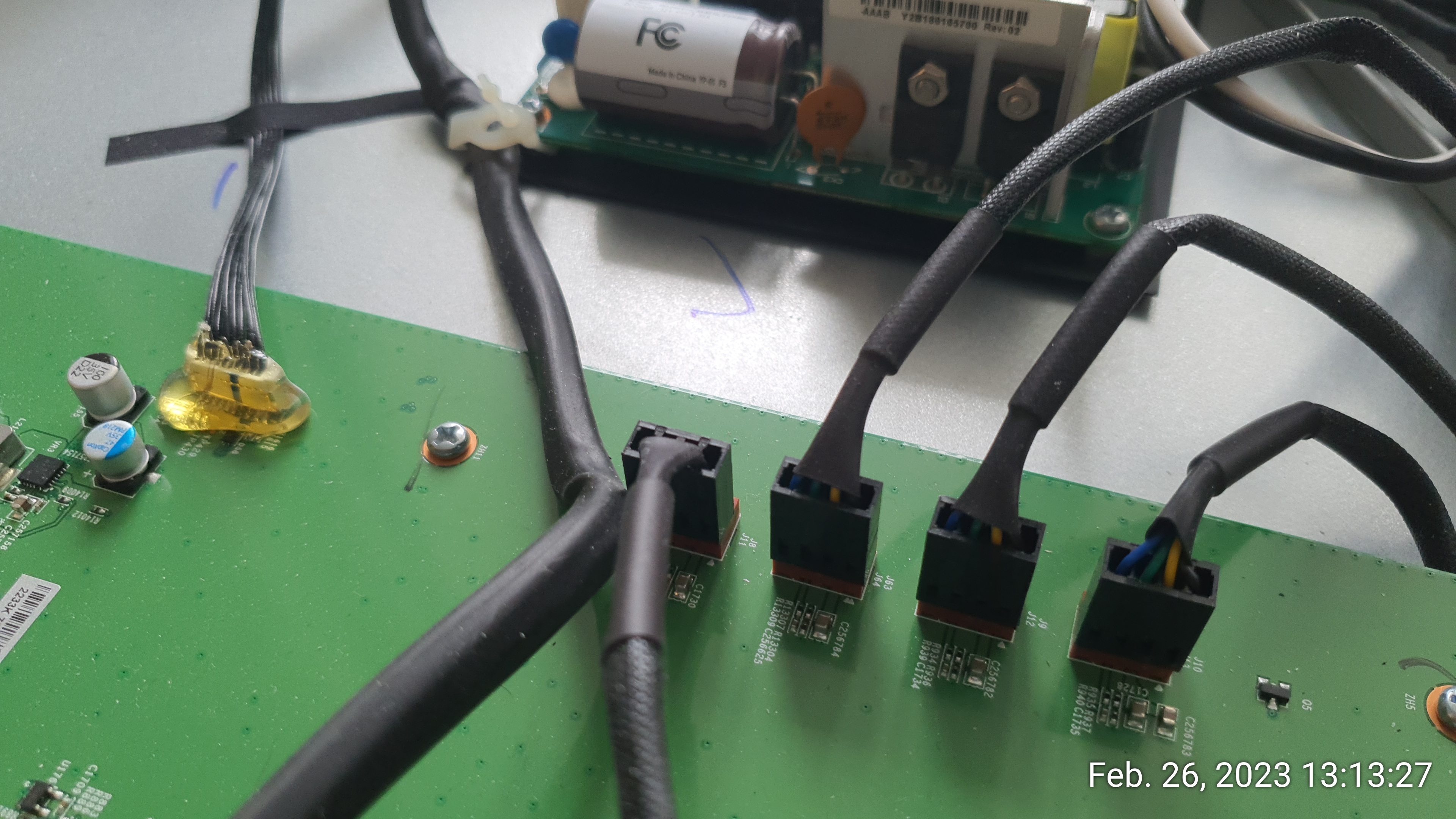
The Noctuas have a PWM connector with two notches to fit a standard 3-4pin motherboard connector. This does not work with the USW-Pro-Aggregation mainboard but it's simple enough to remove one of the two edges with a cutter to make them fit:
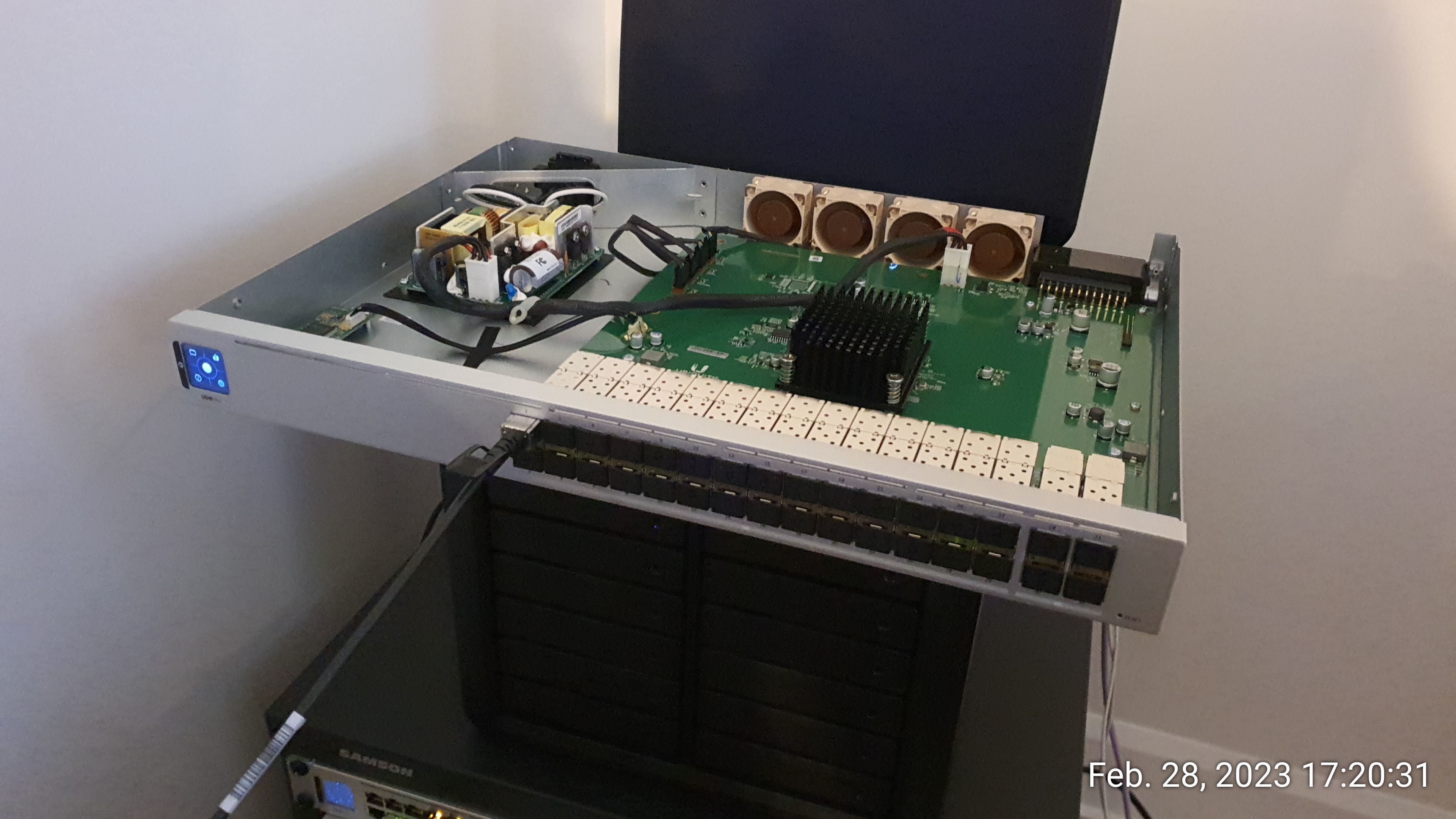
Open-cover functional test and then back into the mini-rack:
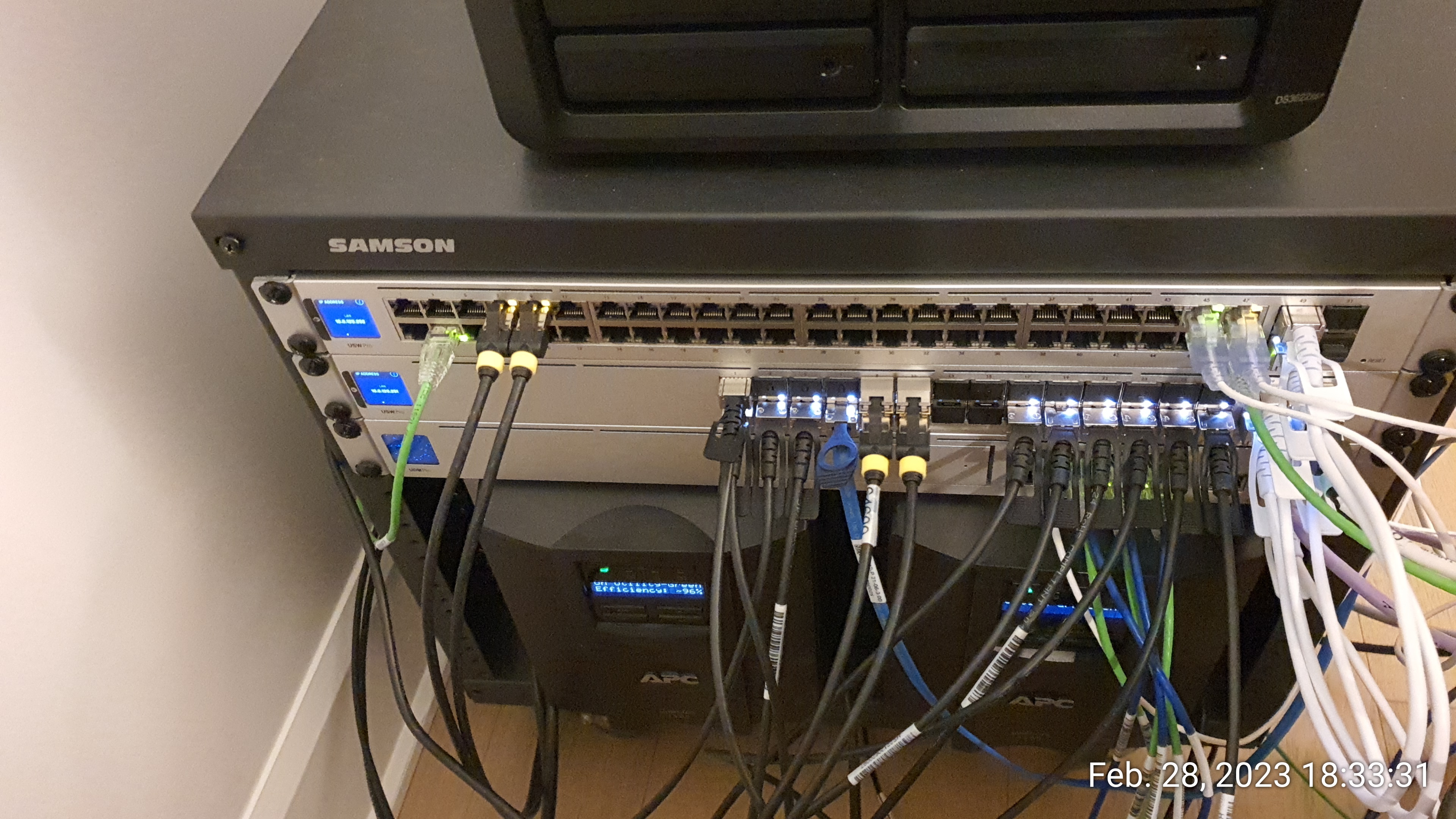
After you've installed the replacement fans, you should notice a significant reduction in fan noise. However, it's important to monitor the temperature of your switch to make sure that it's not overheating without the stock fan. Use the Ubiquiti UniFi Network Controller to keep an eye on the temperatures and make sure that everything is running smoothly.
us32-0-US.6.4.18# swctrl env show
General Temperature (C): 42
Temp Sensor      Temp (C)     State            Max Temp (C)  Alert Temp (C)
===============  ===========  ===============  ============  ==============
TEMP-1           38           Normal           38            80
TEMP-2           37           Normal           37            80
TEMP-3           34           Normal           34            80
TEMP-4           42           Normal           42            80
MAC-1 (Local)    61           Normal           61            100
Fan Duty Level: 45
Fan              Speed       Duty level  State
===============  ==========  ==========  ===============
FAN-1            2818        45          Operational
FAN-2            2892        45          Operational
FAN-3            2670        45          Operational
FAN-4            2818        45          Operational
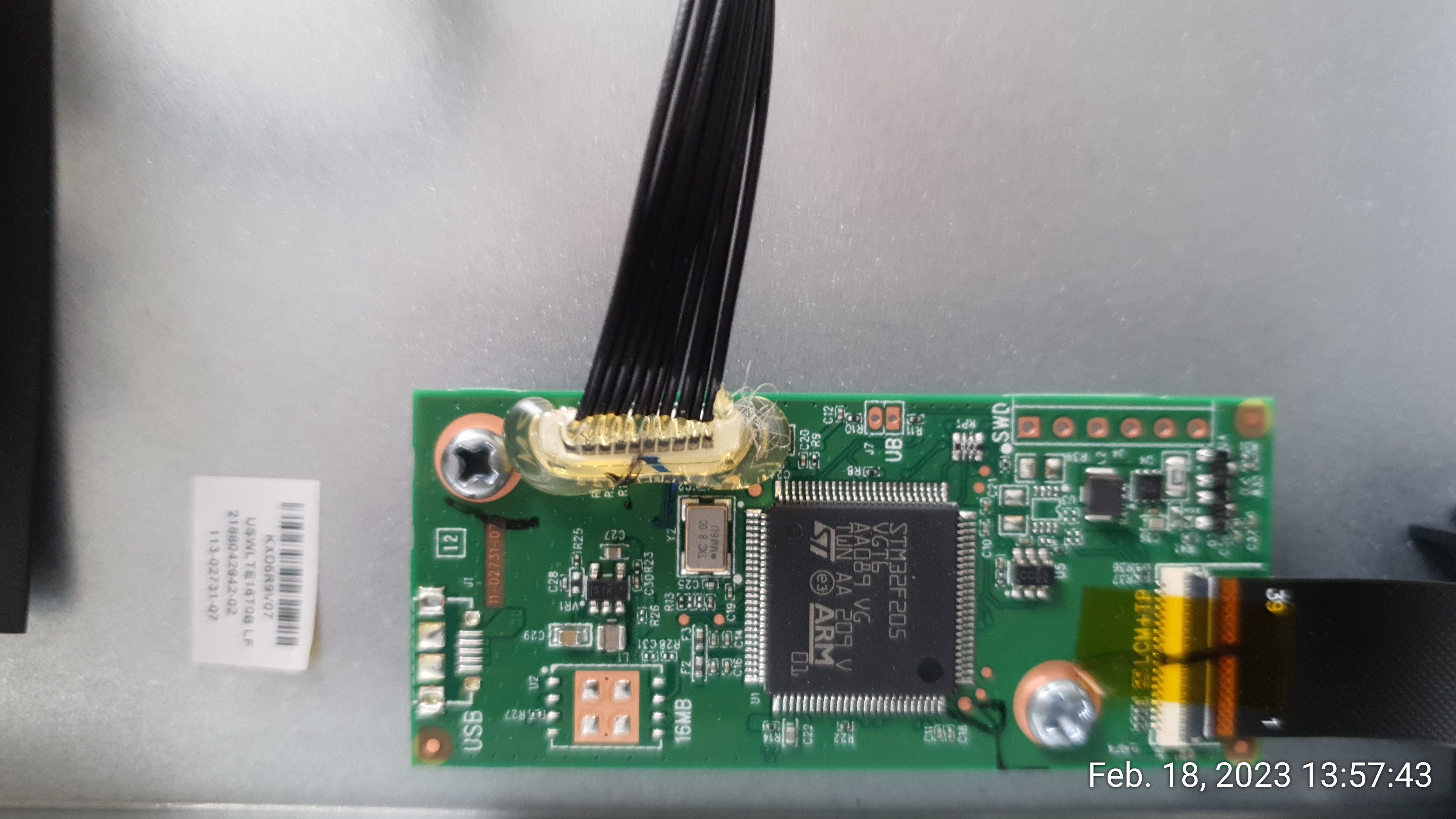
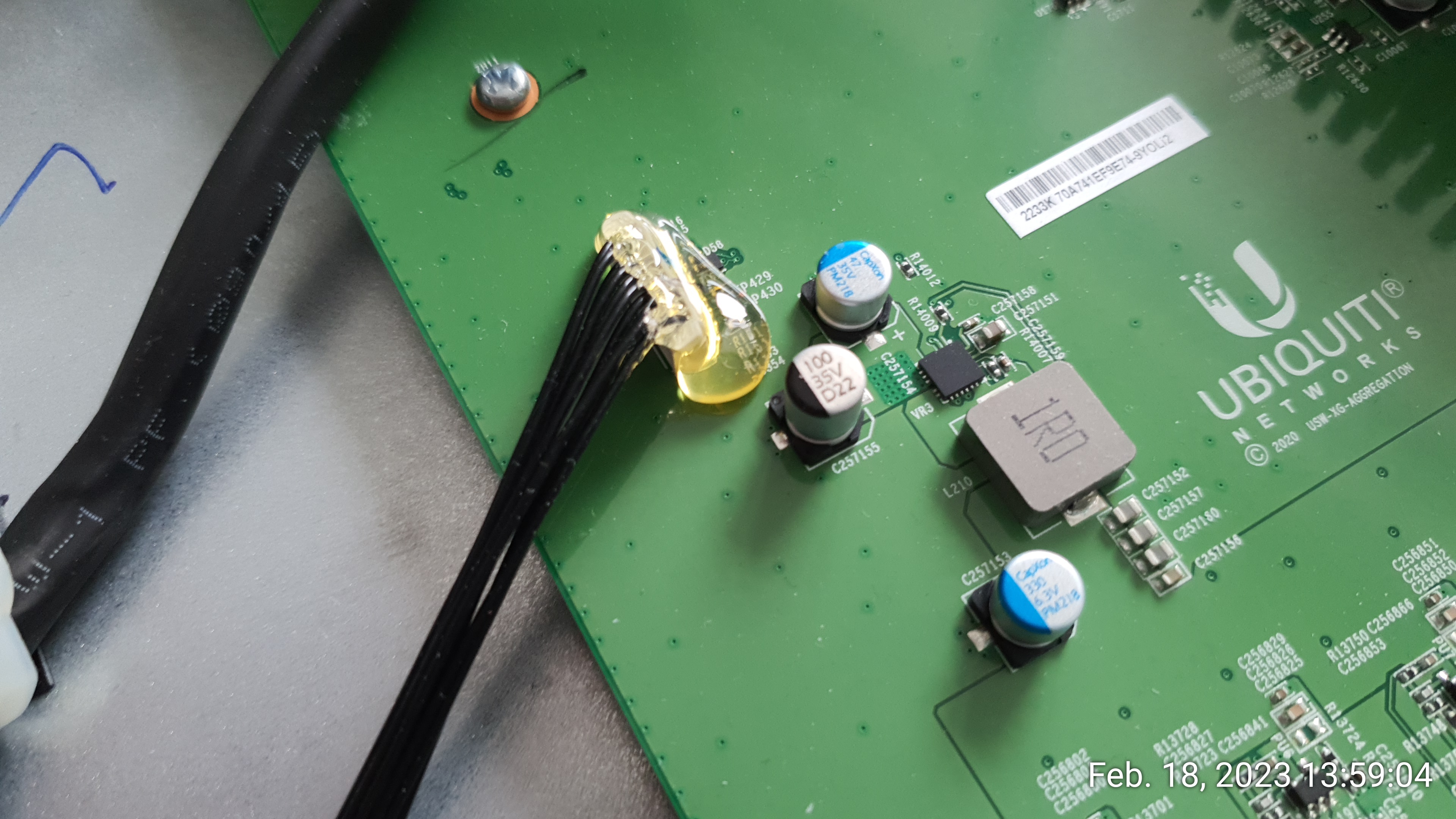
As much as I like this little switch (4 x25G and 28x10G), I was a bit disappointed to find some removeable connectors glued to the main board, thereby making the unit unserviceable. I think this is bad practice and perhaps the sign of some engineering challenges but I don't subscribe to the idea of making things un-repairable:
![[Contents]](iconsd/cntsicon.gif)
![[Map]](iconsd/mapicon.gif)
![[Index]](iconsd/indxicon.gif)
![[Comment]](iconsd/cmnticon.gif)
![[Search]](iconsd/srchicon.gif)
![[Home]](iconsd/homeicon.gif)
![[Up]](iconsd/upicon.gif)
![[Previous]](iconsd/previcox.gif)
![[Next]](iconsd/nexticox.gif)